












Solar Train
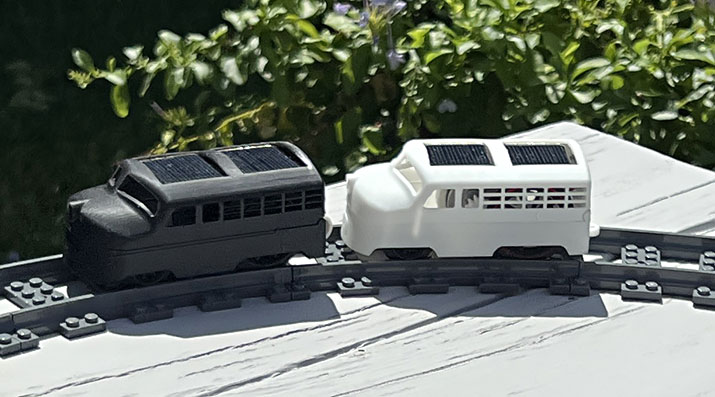
Welcome to cudacountry's SOLIDWORKS 2026 Solar Train Tutorials. We use SOLIDWORKS 2026 to design our stock and track.
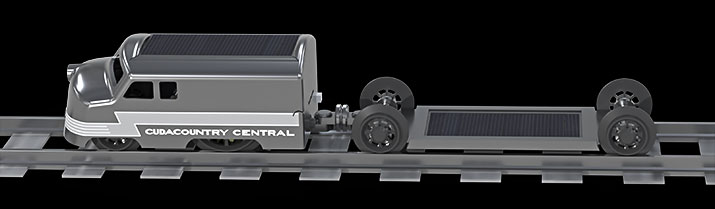
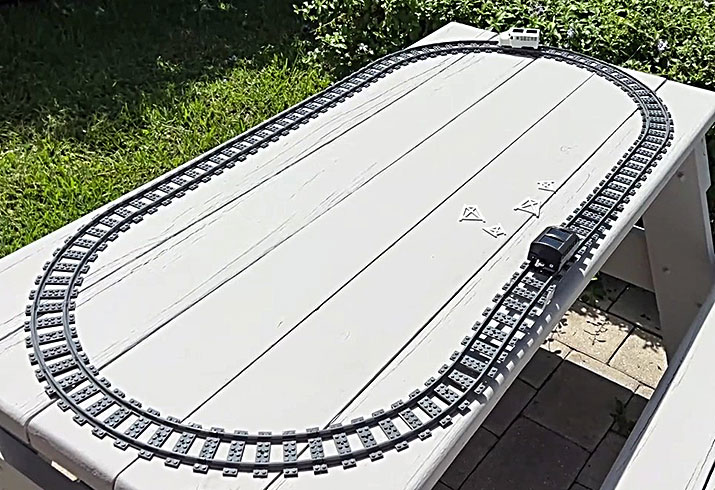
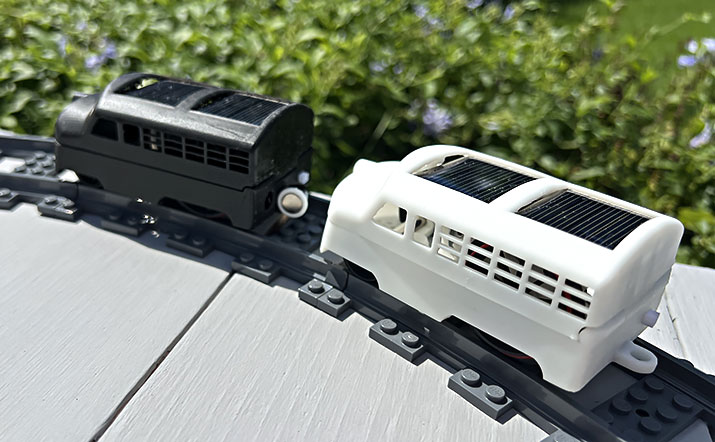
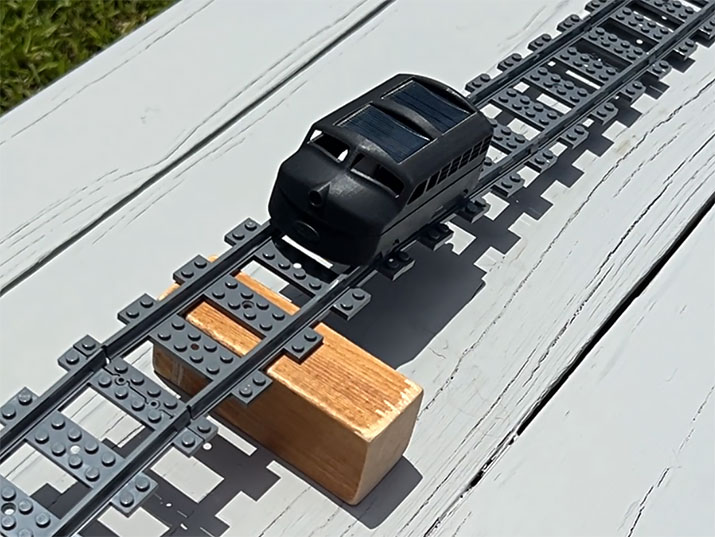
Three projects: Loco, Flat Car and Track.
The following tutorials with the PDF icon are available for download. Download the free reader from Adobe.
Any questions contact cudacountry at 
 |
Table of Contents. Purchase list page 2. All units MM. |
||
| Part | |
 |
1. Washer 3 dia x .5. |
| Part | |
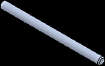 |
2. Axle. |
| Part | |
 |
3. Motor. |
| Toolbox | |
 |
4. Spur Gear 10T .9 M. |
| Toolbox | |
 |
5. Spur Gear 32T .9M. |
| Toolbox | |
 |
6. Set Toolbox Files Properties. Use sldsetdocprop.exe to change the Gear toolbox files from a Toolbox file to a SOLIDWORKS part file. |
| Part | |
 |
7. Solar Panel 30 x 36 with decal. Click here Solar Panel 30 x 36. jpg decal. |
| Part | |
 |
8. Band. Friction band rear wheel. |
| Part | |
 |
9. Front Wheel. |
| Part | |
 |
10. Rear Wheel. |
| Part | |
 |
11. Bogie Bracket. |
| Part | |
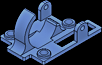 |
12. Motor Bracket. |
| Assembly | |
 |
13. Bogie Assembly. |
| Assembly | |
 |
14. Motor Bogie Assembly. |
| Part | |
 |
15. Wire Run. Insert part into both Hatch and Chassis to guide wires away from moving parts. |
| Part | |
 |
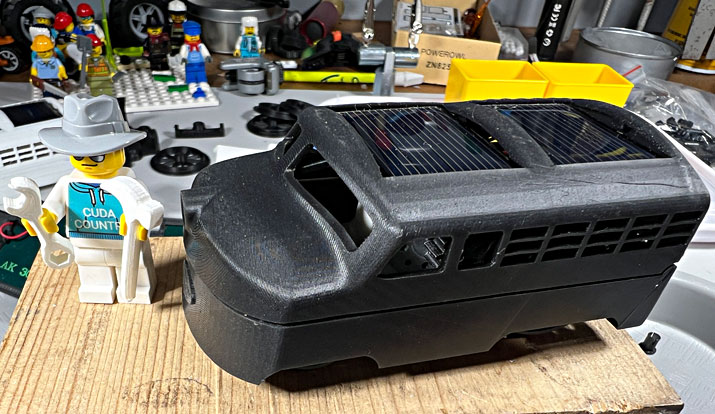
16. Locomotive Master Model. |
| Part | |
 |
17. Hatch. |
| Part | |
 |
18. Chassis. |
| Part | |
 |
19. Chassis decals. Click here for decals zip. |
| Assembly | |
 |
20. Locomotive Assembly. |
| Part | |
 |
21. JST Plug. |
| Part | |
 |
22. Magnet 8 dia x 1. |
| Part | |
 |
23. Mag Coupler Socket. |
| Part | |
 |
24. Coupler Lug. |
| Assembly | |
 |
25. Mag Coupler Assembly. |
| Part | |
 |
26. Stud Pin. |
| Part | |
 |
27. Lego Half Pin (extra). |
| Render SW | |
 |
28. Render in SOLIDWORKS (new 2026). |
| Part | |
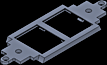 |
29. Flat Car Deck. |
| Part | |
 |
30. Car Bogie Bracket. |
| Assembly | |
 |
31. Car Bogie Assembly. |
| Assembly | |
 |
32. Flat Car Assembly. |
| Part | |
 |
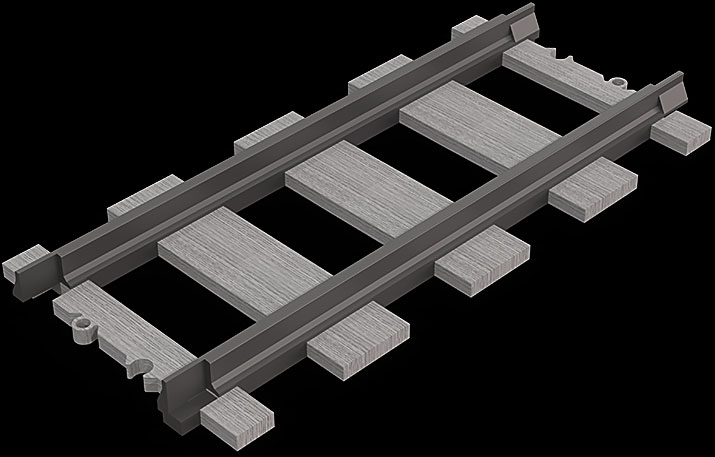
33. Straight Rail. L Track. |
| Part | |
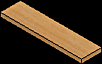 |
34. Tie. |
| Part | |
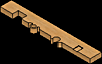 |
35. End Tie. |
| Assembly | |
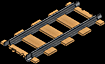 |
36. Straight Track Assembly. |
| Part | |
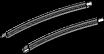 |
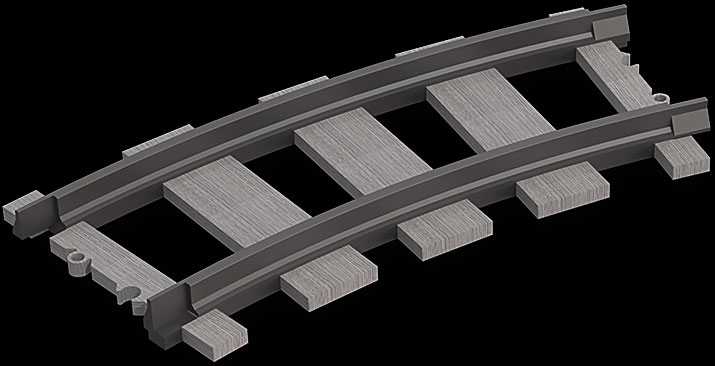
37. Curved Rail R40. |
| Assembly | |
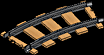 |
38. Curved Track R40 Assembly. |
| Part | |
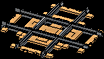 |
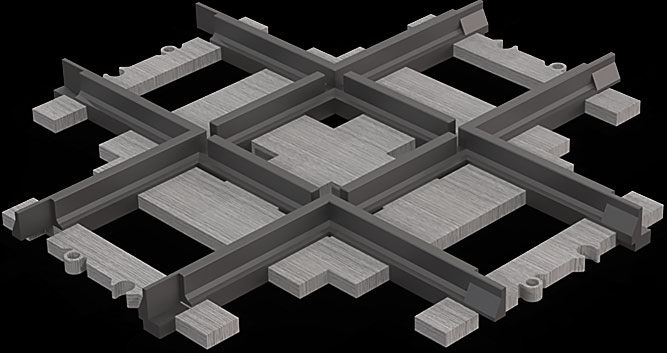
39. Crossover Track. |
| Assembly | |
 |
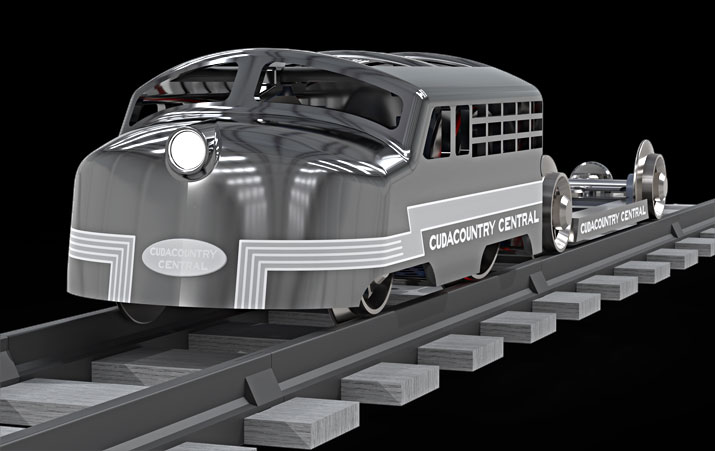
40. Train Assembly. |
|
|||

 |
|---|
 |
 |
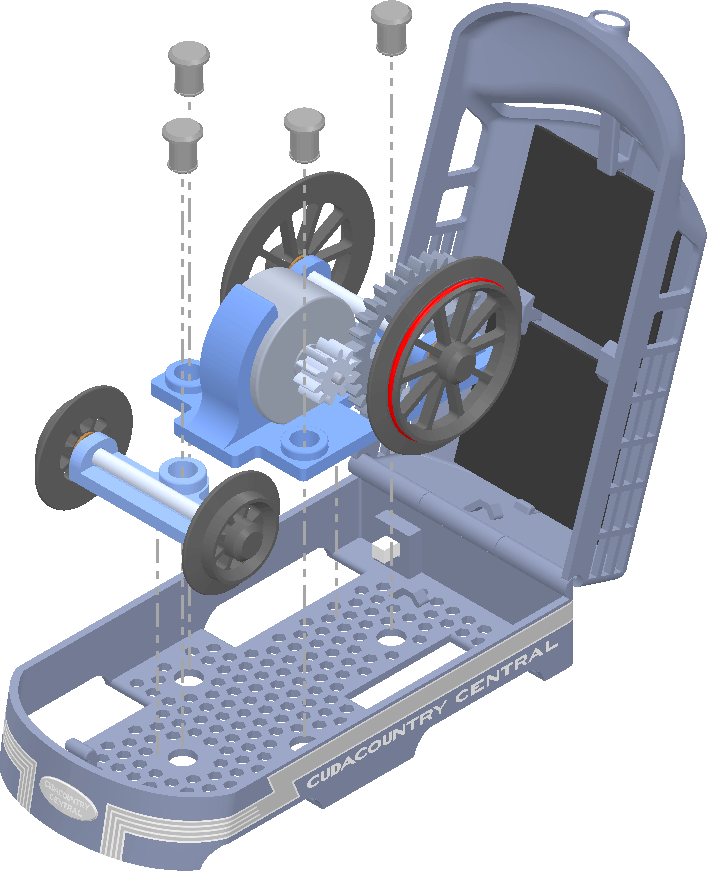
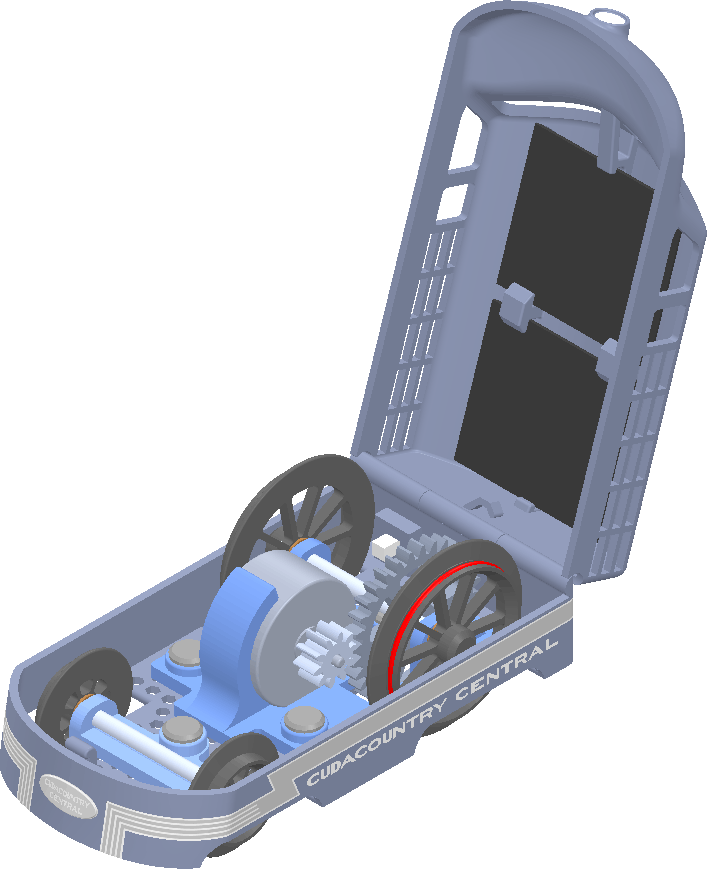
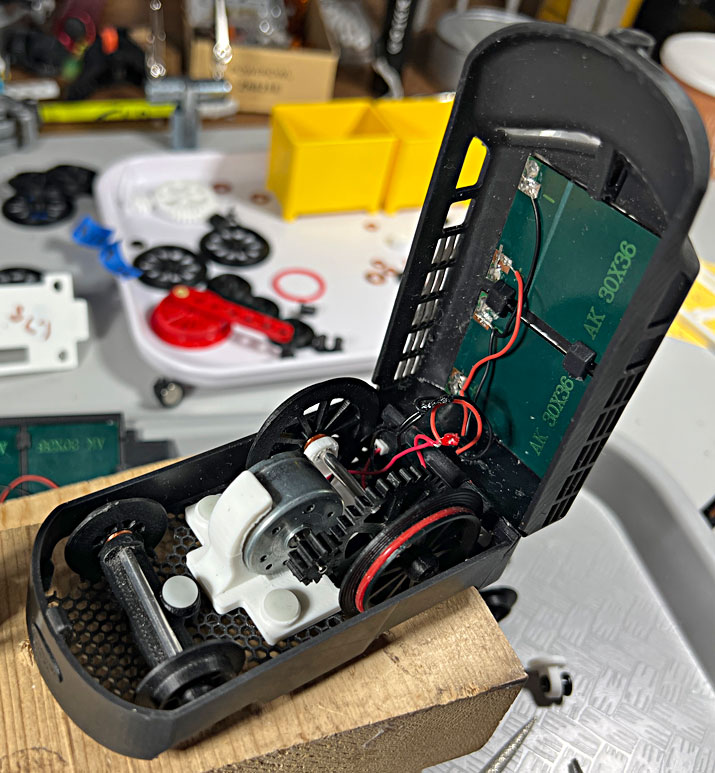
The bogies drop in and pined. |
 |
 |
 |
 |
 |
 |
 |
 |
 |
 |
 |
L Track |
 |
 |
 |
